We need the activity URL to accurately extract your route's GPS coordinates and elevation data.
1. Log into Strava.com
2. Navigate to your Activity
3. Copy the URL from the browser address bar
1. Open your Strava App
2. Tap "Share" on the activity
3. Select "Copy Link" from the menu
Pull the ribbon through the top middle section. The medal should be in the final position.
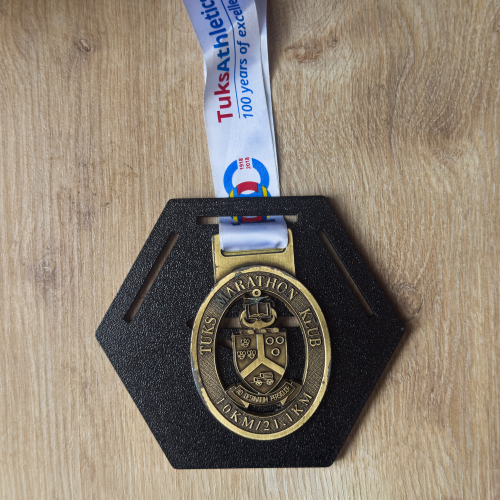
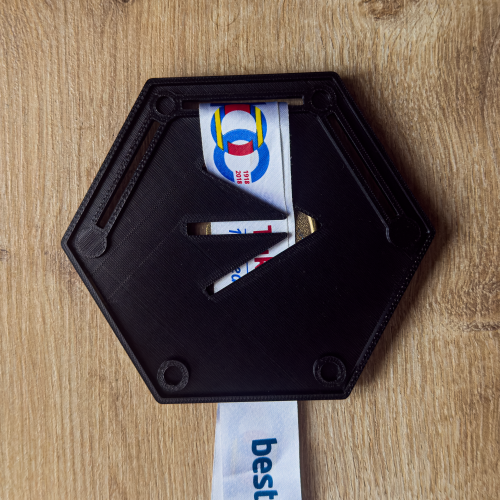
Flip the medal holder over and route the ribbon back through the top angled slot.
From the front side, route the ribbon through the left slot (looking at it from the front).
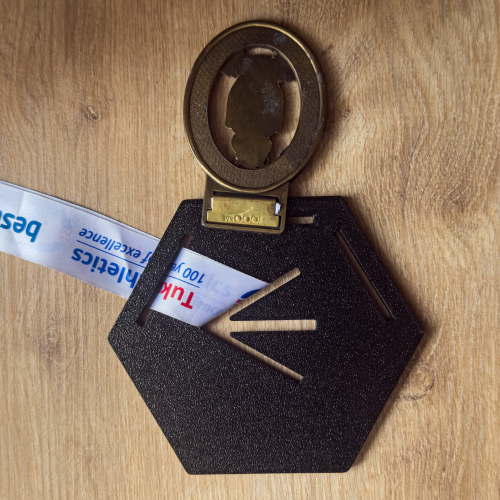
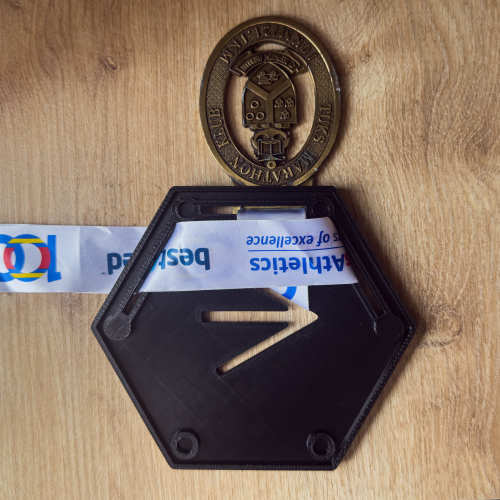
On the back of the medal holder, you can flip the ribbon over before passing through the other side. This will help keep any text on the front side from being upside down.
Route the ribbon to the back through the lower, angled slot in the center.
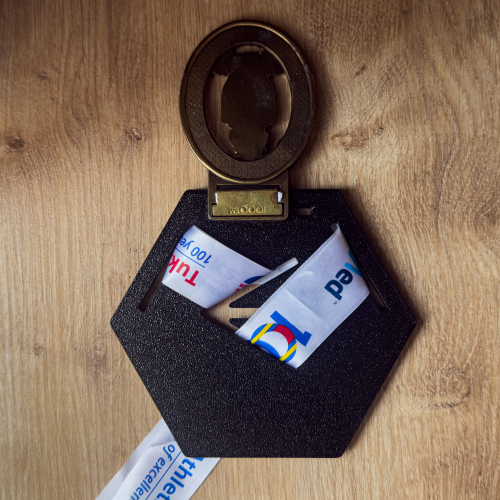
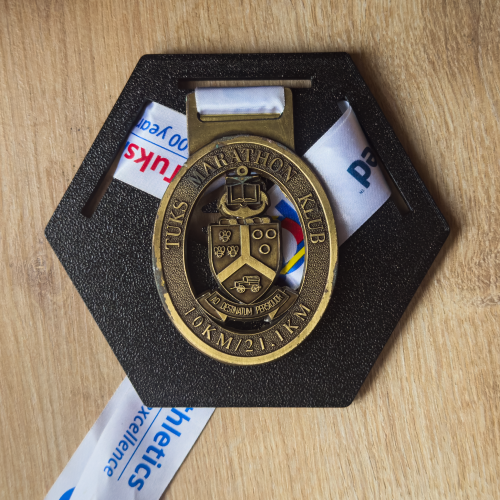
On the back side, you can fold any remining ribbon over itself.
And just like that, you are done. You can adjust as need.
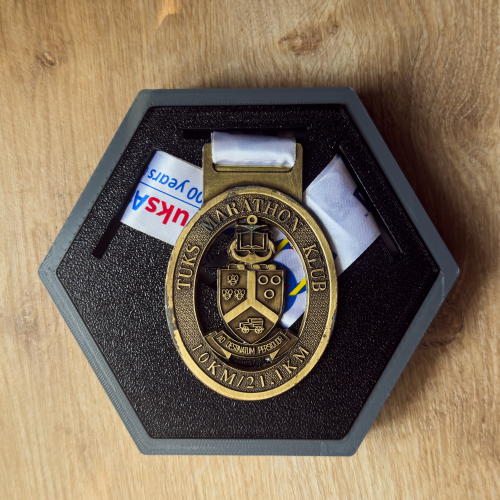
Size your photo and cut it out.
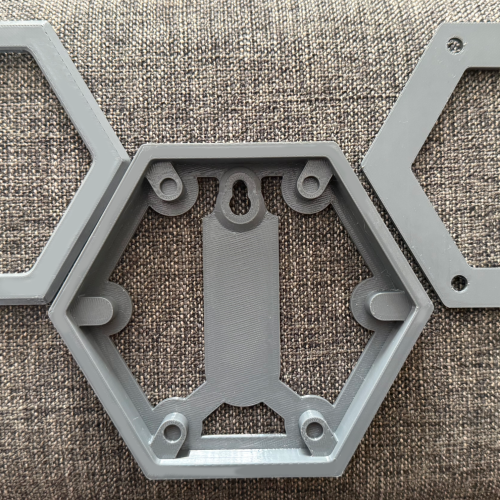
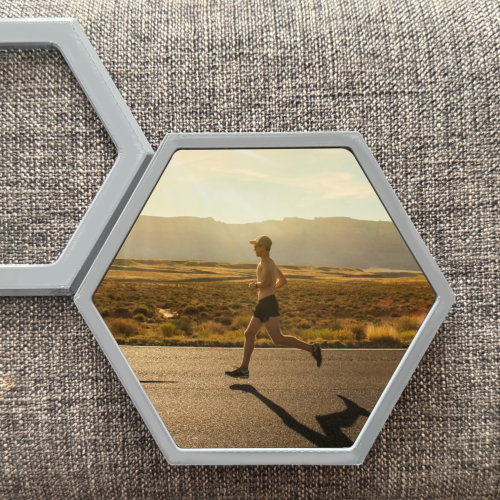
Insert the back of the frame onto the mount and place your photo ontop.
Inset the face plate on top of your photo.
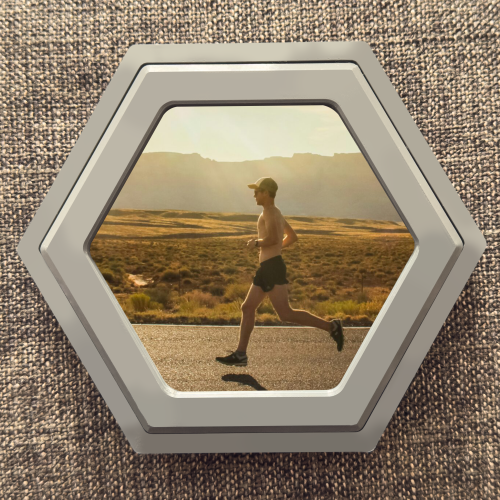
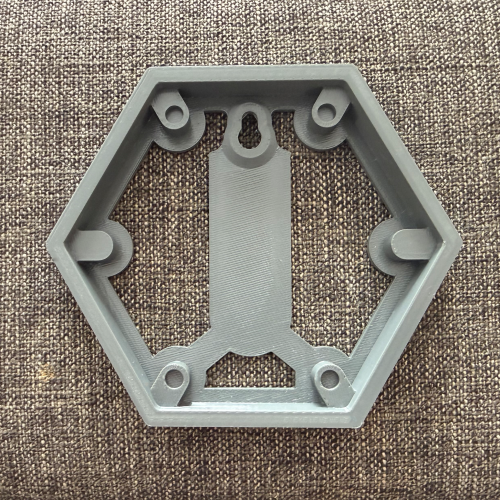
Our 'Invisible Mount' system ensures your RouteLegend hangs perfectly flush with the wall, creating a clean, modern silhouette.
1. Connect your Legend using the provided connectors.
2. Apply your double sided tape.
3. Press your Legend to the wall.
4. Put your Legend on your mount